


by MSM Production
Follow the flames.
Hype It shows you which cafés and restaurants are buzzing right now — not last month’s reviews, not a paid listing. Just real people hyping real places, as it happens.
- Free
- No ads
- No tracking
- iPhone now · Android soon
 Free
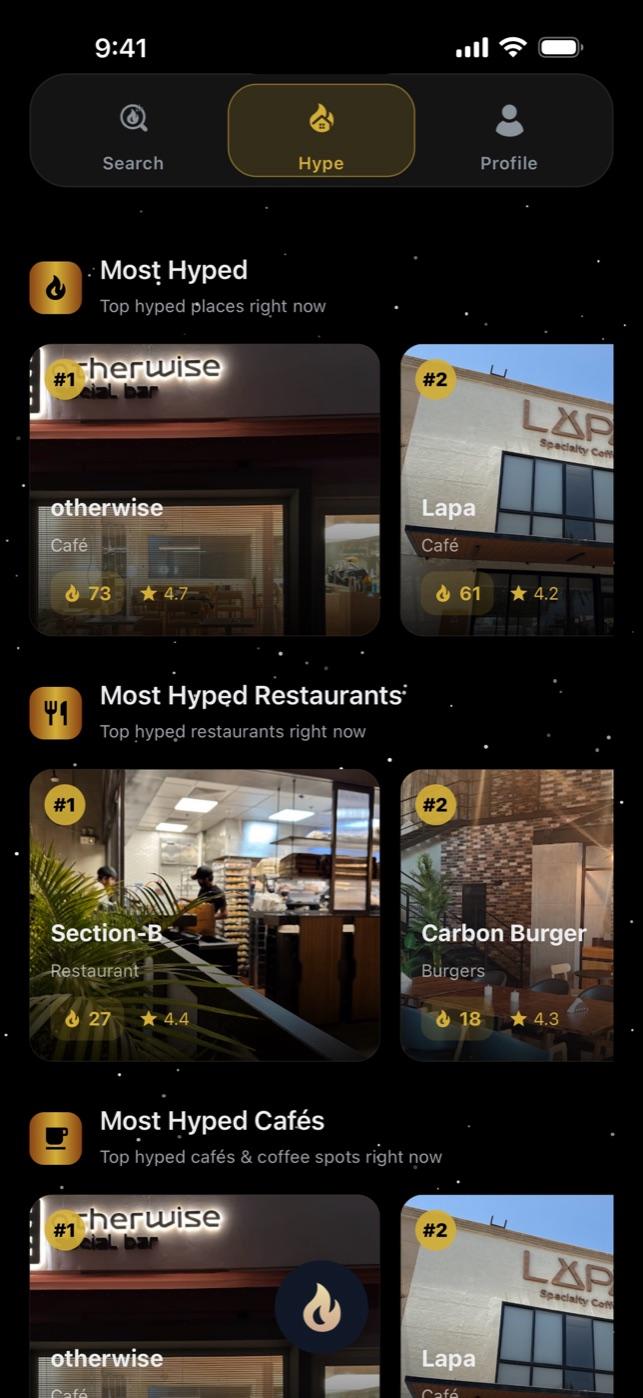
How to use Hype It
Six steps, from first open to your own hypes.
This is everything the app does, in the order you will meet it.
- 01
Open it and take the walkthrough
The first time you open Hype It, a guided walkthrough shows you around until you hype your first place. Already know your way around? Skip it at any time.
- 02
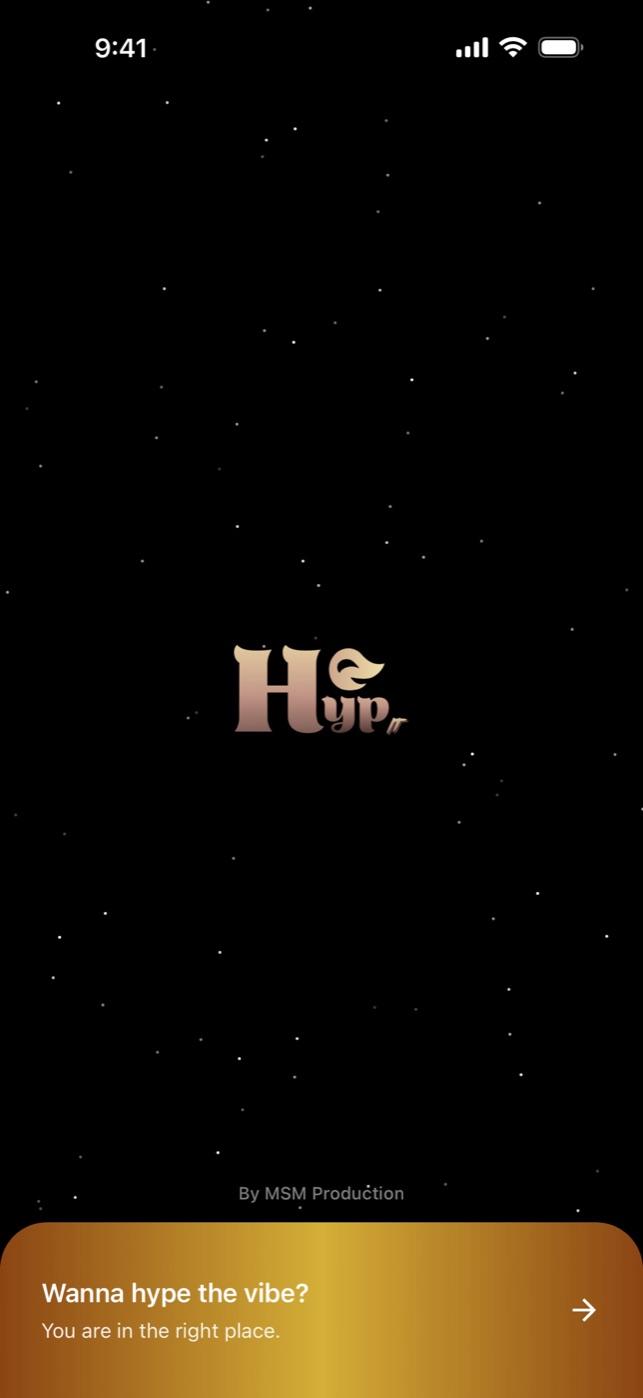
See what is hot near you
The Hype tab shows what is trending right now. Browse by category — coffee, restaurants, desserts, bakeries, burgers — or search any place by name on the Search tab. Every place shows how far away it is.
- 03
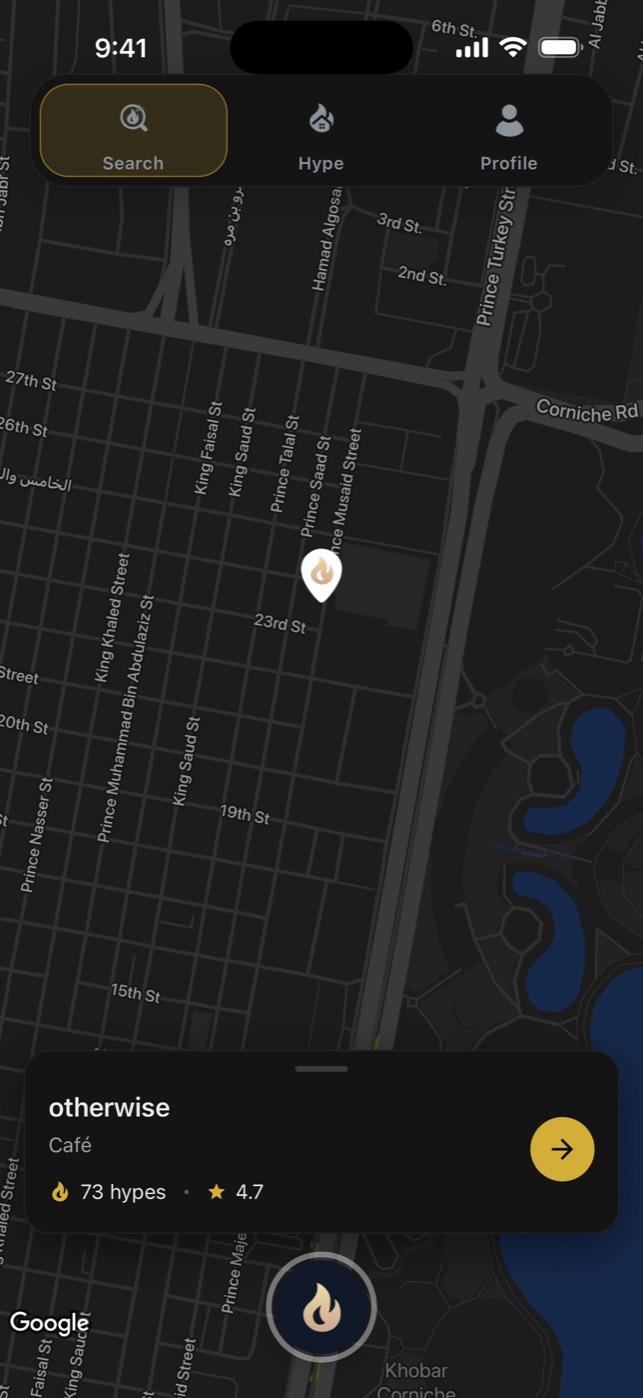
Read the live map
Open the map and watch your city light up. The more a place is hyped, the brighter it burns. Zoom into a neighbourhood, tap a pin, and see what is drawing a crowd.
- 04
Hype where you are
Somewhere good? Hold the flame and hype it. You can only hype a place you are actually standing in, so every hype is a genuine signal from someone who showed up. Try it here.
Press and hold the flame.
- 05
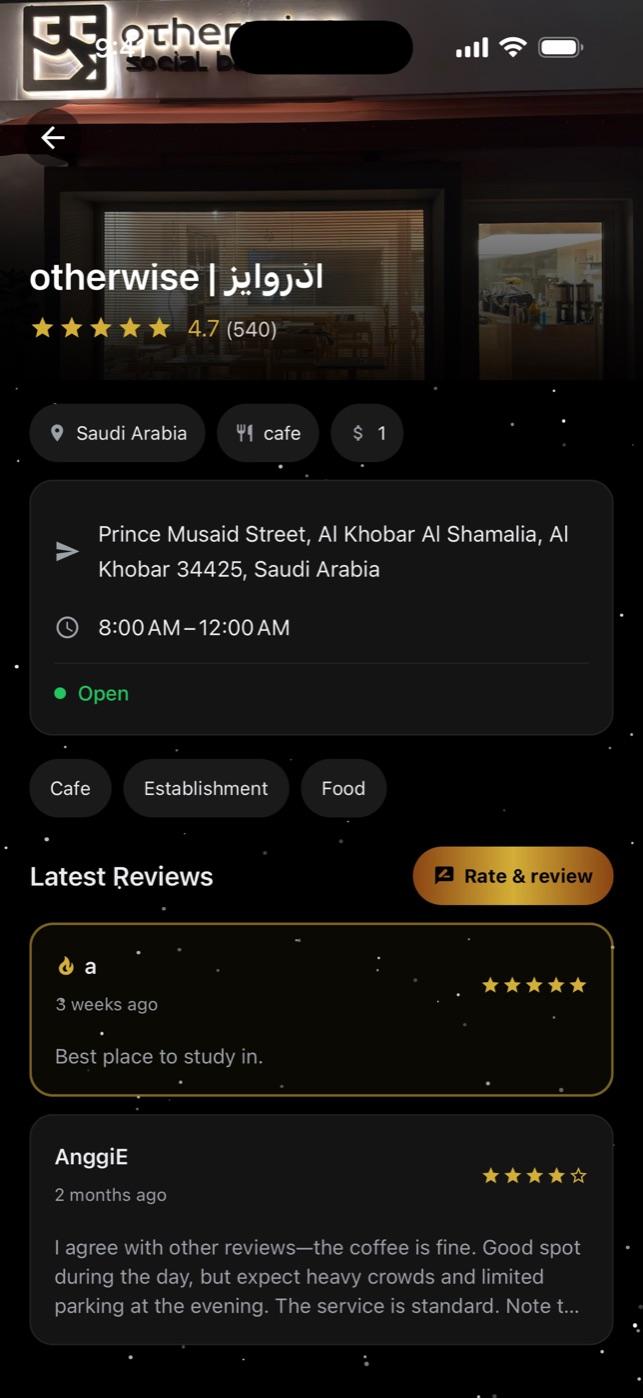
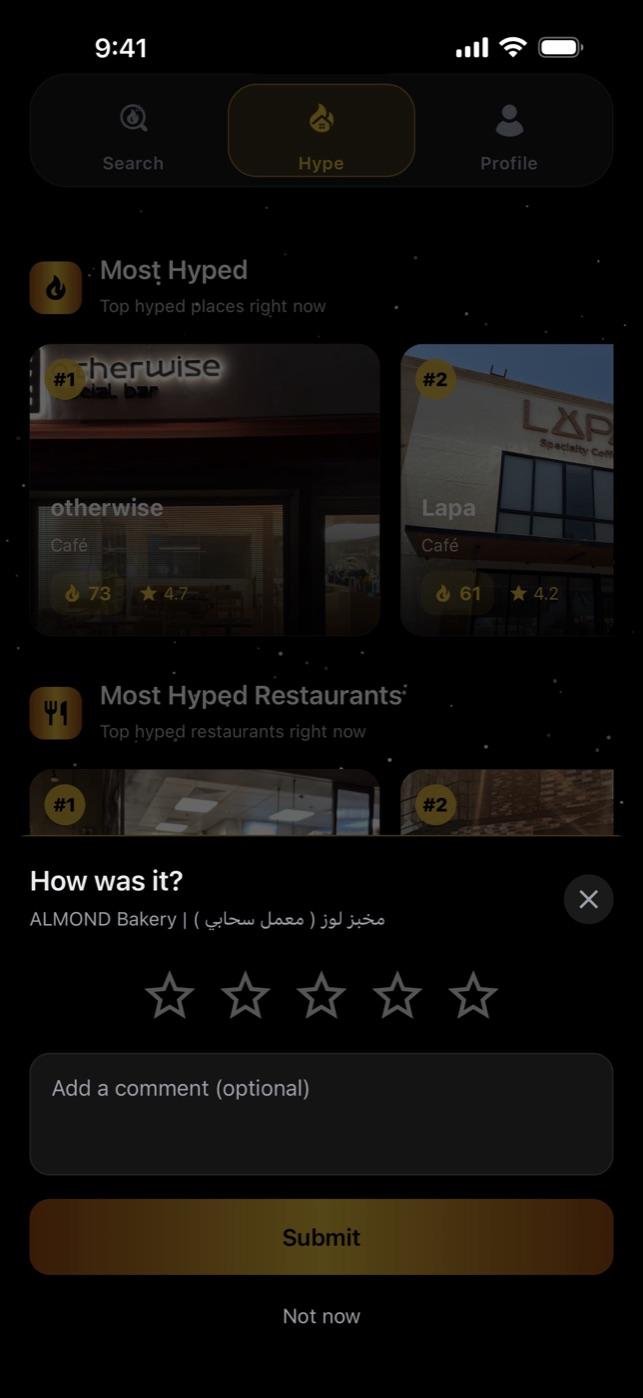
Rate it and say what you think
Rate a place the moment you hype it, or write a full review from its page. Community reviews sit alongside Google’s, and reviews from people who really visited carry a Verified Visit badge.
- 06
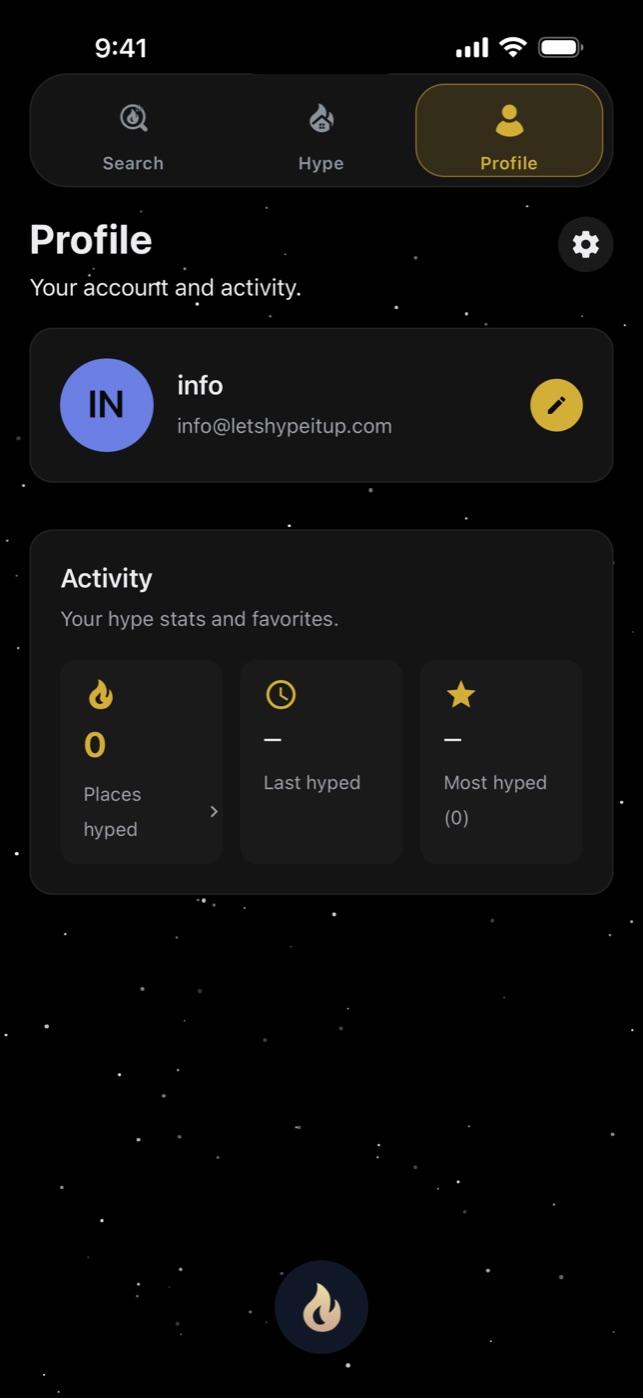
Keep track, and choose your alerts
Your profile keeps a record of every place you have hyped. Notifications are optional and yours to pick in Settings → Notifications: a heads-up when a new place takes #1, going-out picks, alerts when you are near a buzzing place, and gentle reminders to hype where you are.
Going-out picks
What is hyped around the moments people actually go out.
- Lunch
- Coffee after Maghrib
- Dinner and after Jumu’ah
- After Taraweeh in Ramadan
Good to know
Quick answers.
Does it cost anything?
No. Hype It is free, with no ads and no tracking.
Why can I only hype where I am standing?
So a hype means something. Because you have to be at the place, every hype is a real signal from someone who showed up, not a paid listing or last month’s review.
Where does my location go?
The optional “hyped places near you” alert is worked out on your phone, and your location is not sent to us. You choose which notifications you get in Settings → Notifications.
What is a Verified Visit badge?
It marks a review written by someone who actually visited the place, so you know who was really there.
Is there an Android version?
Not yet. Leave your email below and we will tell you when it is ready.

Get Hype It.
Open it, hold the flame, and follow the flames to where everyone actually is.
On Android?
It is not out yet. Leave your email and we will let you know.
Run a café or restaurant and want to be found? Get in touch.